| HOME | |
|
Wallpapers Instructions |
|
|
1
|
![]() |
|
2
|
![]() |
|
3
|
![]() |
|
4
|
![]() |
|
5
|
![]() |
|
6
|
![]() |
|
7
|
![]() |
|
8
|
![]() |
|
9
|
![]() |
|
10
|
![]() |
|
11
|
![]() |
|
12
|
![]() |
|
13
|
![]() |
|
14
|
![]() |
|
15
|
![]() |
|
16
|
![]() |
|
17
|
![]() |
|
18
|
![]() |
|
19
|
![]() |
|
20
|
![]() |
|
21
|
![]() |
|
22
|
![]() |
|
23
|
![]() |
|
24
|
![]() |
|
25 1440x900 |
![]() |
|
26 1440x900 |
![]() |
|
27 1440x900 |
![]() |
|
28 1680x1050 |
![]() |
|
29 1680x1050 |
![]() |
|
30 1680x1050 |
![]() |
|
31 1680x1050 |
![]() |
|
32 1680x1050 |
![]() |
|
33 1920x1200 |
|
|
34 1920x1200 |
![]() |
|
35 1920x1200 |
![]() |
|
36 1920x1200 |
![]() |
| User guide. | |
|
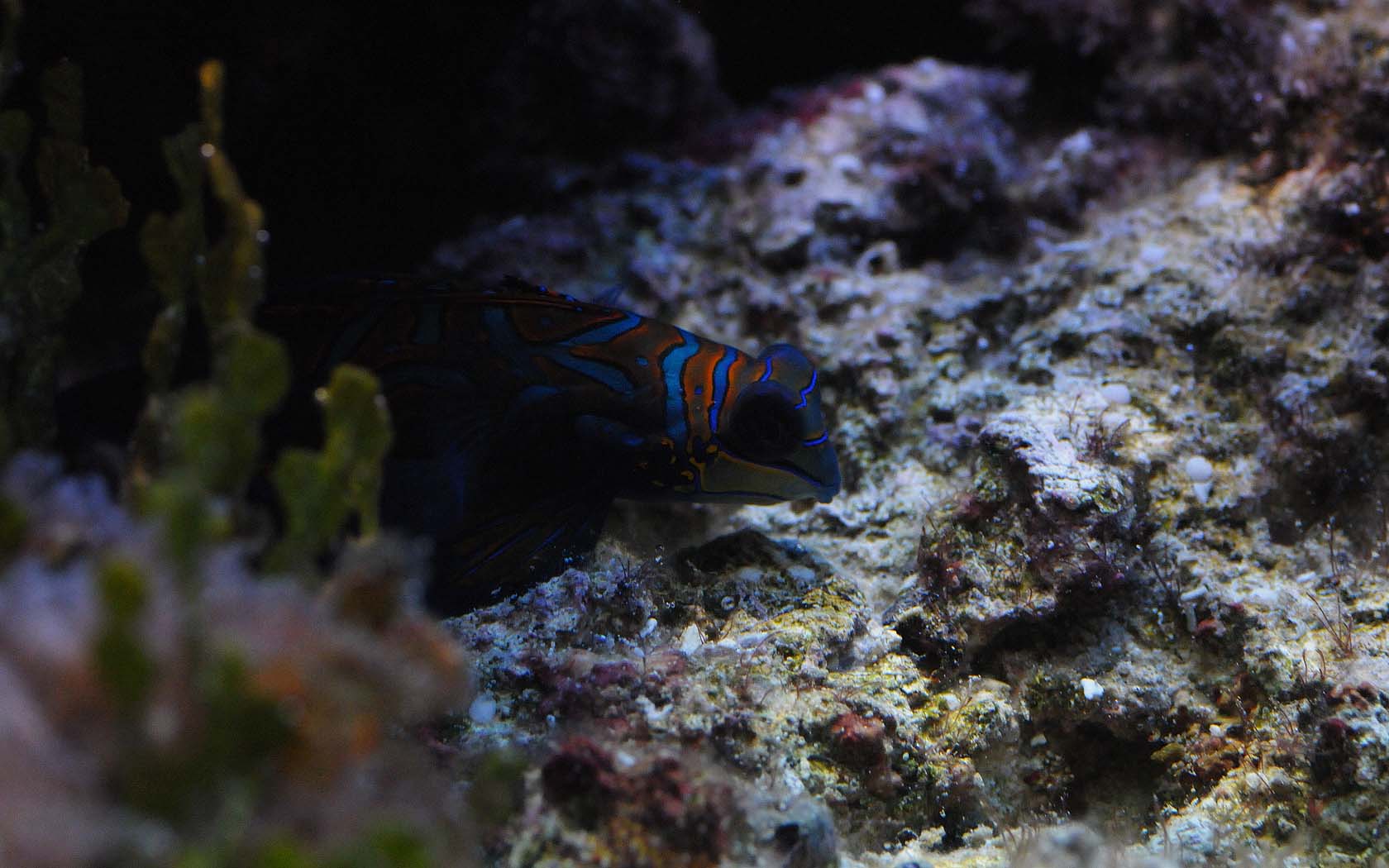
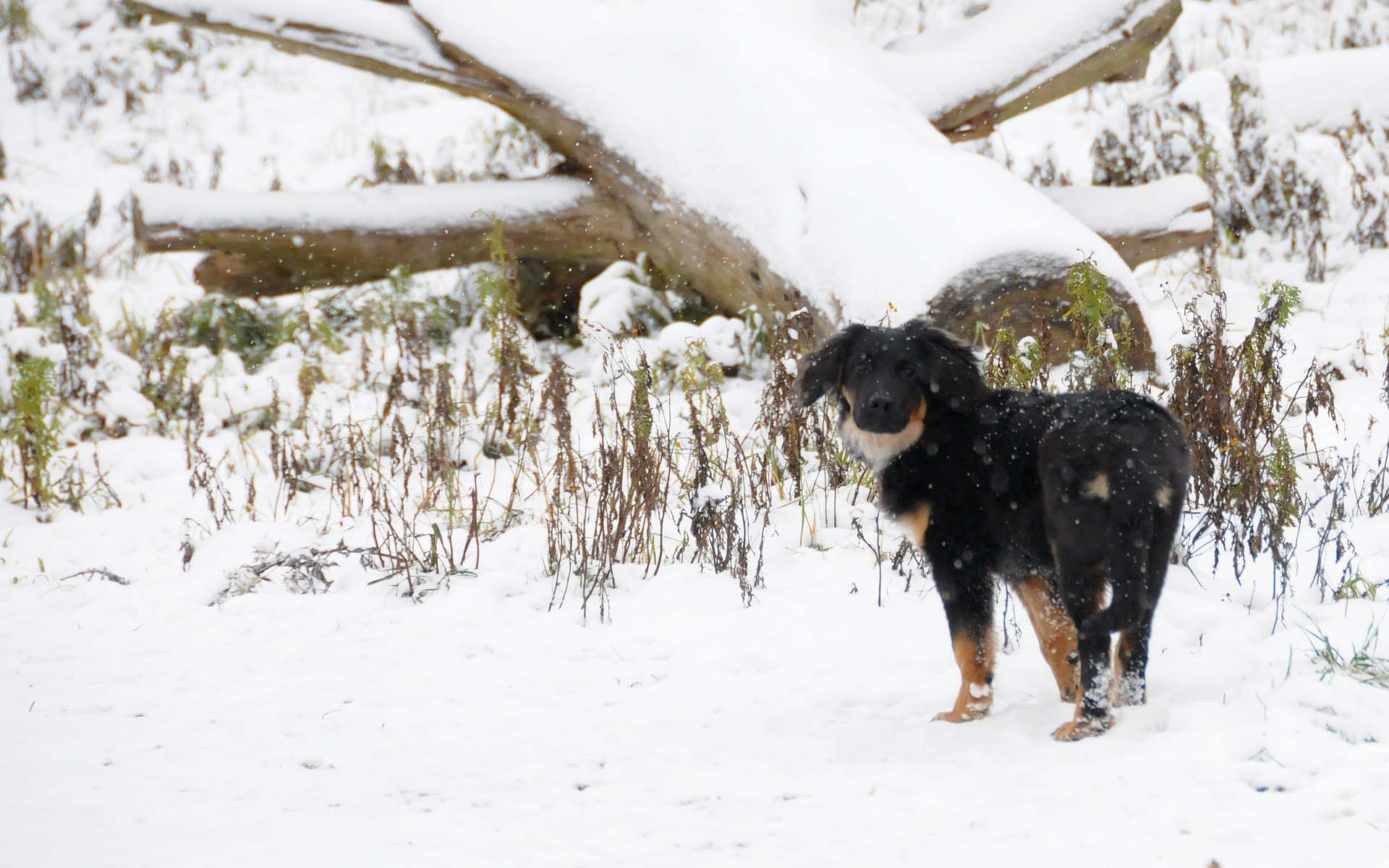
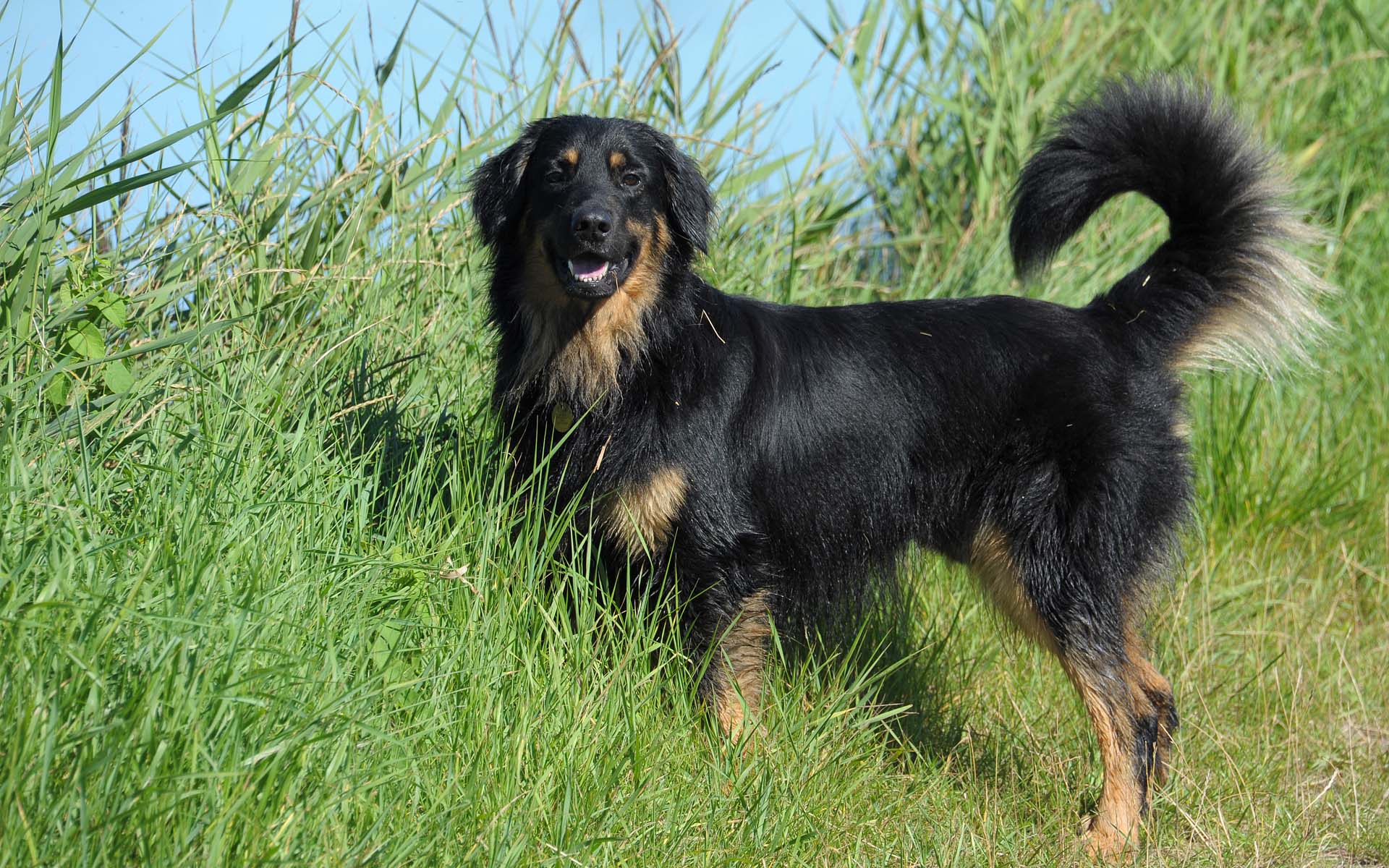
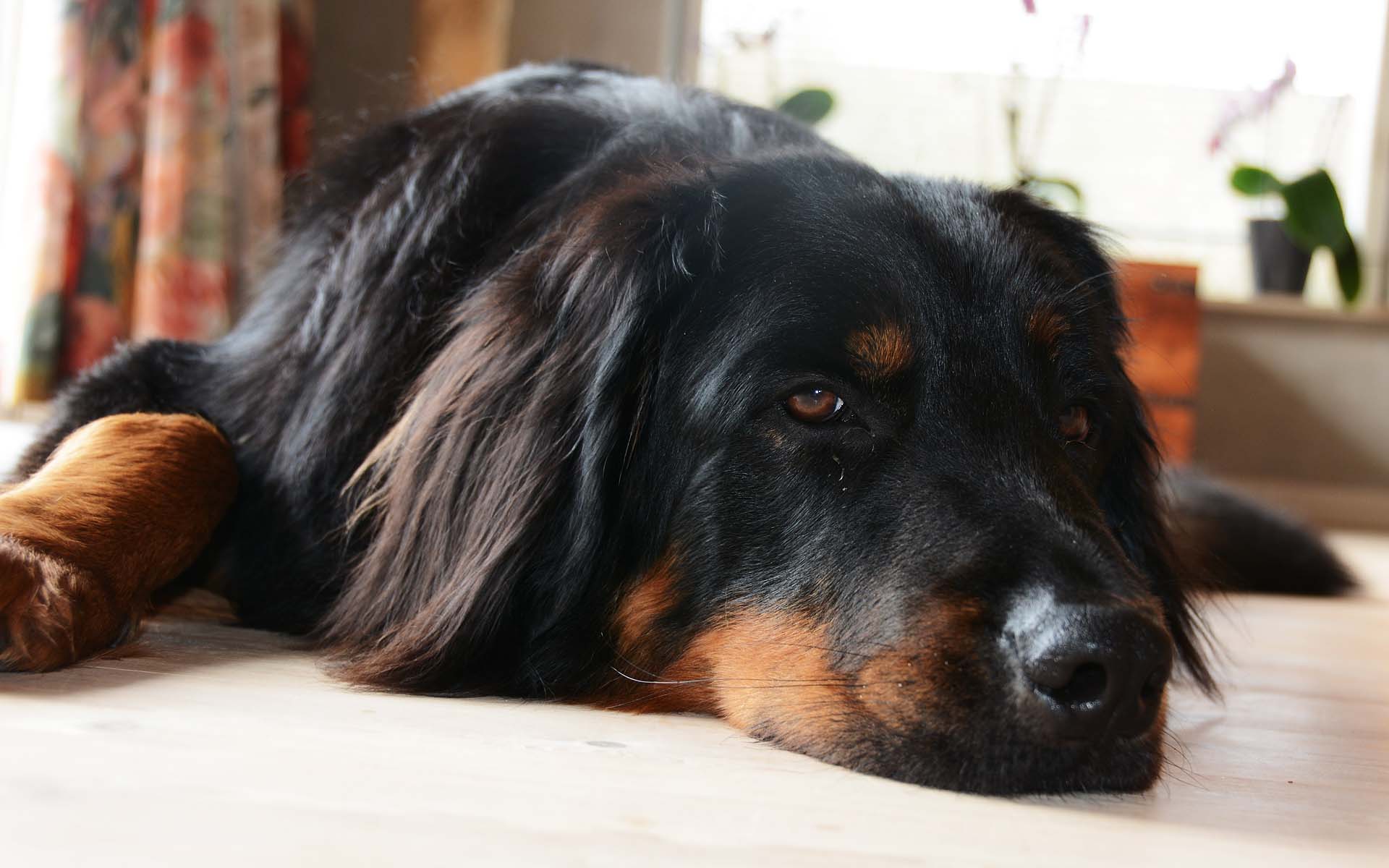
To download the Image You desire, just click below the thumbnail, on the resolution You want ; 1280x960 if Your screen is in 3/4 format, 1440x900/1680x1050 if it`s in 16/9 format. Then You right-click on the Image, and choose Set as background. Should the Image not fit, right-click on an empty space on the desktop, and choose Properties, and pick the tab marked Desktop. At the bottom right side, should now be a roll-down menu, which should be set as Stretch, and everything should be fine! |
|
|
|
|
|
|
|
|
Wallpapers Instructions |
|
|
1
|
![]() |
|
2
|
![]() |
|
3
|
![]() |
|
4
|
![]() |
|
5
|
![]() |
|
6
|
![]() |
|
7
|
![]() |
|
8
|
![]() |
|
9
|
![]() |
|
10
|
![]() |
|
11
|
![]() |
|
12
|
![]() |
|
13
|
![]() |
|
14
|
![]() |
|
15
|
![]() |
|
16
|
![]() |
|
17
|
![]() |
|
18
|
![]() |
|
19
|
![]() |
|
20
|
![]() |
|
21
|
![]() |
|
22
|
![]() |
|
23
|
![]() |
|
24
|
![]() |
|
25 1440x900 |
![]() |
|
26 1440x900 |
![]() |
|
27 1440x900 |
![]() |
|
28 1680x1050 |
![]() |
|
29 1680x1050 |
![]() |
|
30 1680x1050 |
![]() |
|
31 1680x1050 |
![]() |
|
32 1680x1050 |
![]() |
|
33 1920x1200 |
|
|
34 1920x1200 |
![]() |
|
35 1920x1200 |
![]() |
|
36 1920x1200 |
![]() |
|
37 1920x1200 |
![]() |
|
38 1920x1200 |
![]() |
|
39 1920x1200 |
![]() |
|
40 1920x1200 |
![]() |
|
41 1920x1200 |
![]() |
|
42 1920x1200 |
![]() |
|
43 1920x1200 |
![]() |
| User guide | |
|
To download the Image You desire, just click on the resolution You want, and then right-click on the Image popping up. Choose Set as background. Should the Image not fit, right-click on an empty space on the desktop, and choose Properties, and pick the tab marked Desktop. At the bottom right side, should now be a roll-down menu, which should be set as Stretch, and everything should be fine! |
|
|
|
|